
Read slowly, think deeply.
PaperRss is a paper-inspired, bilingual RSS reader with thoughtful AI. Designed natively for macOS to restore a quiet, focused reading ritual.
# First install
brew install --cask ohmyangboy/tap/paperrss
# Update an existing install
brew upgrade --cask --greedy ohmyangboy/tap/paperrss
# Adopt a stable DMG install; quit the app first. Keeps your data.
brew install --cask --force ohmyangboy/tap/paperrss
curl -fsSL https://ohmyangboy.github.io/PaperRss/install.sh | bash
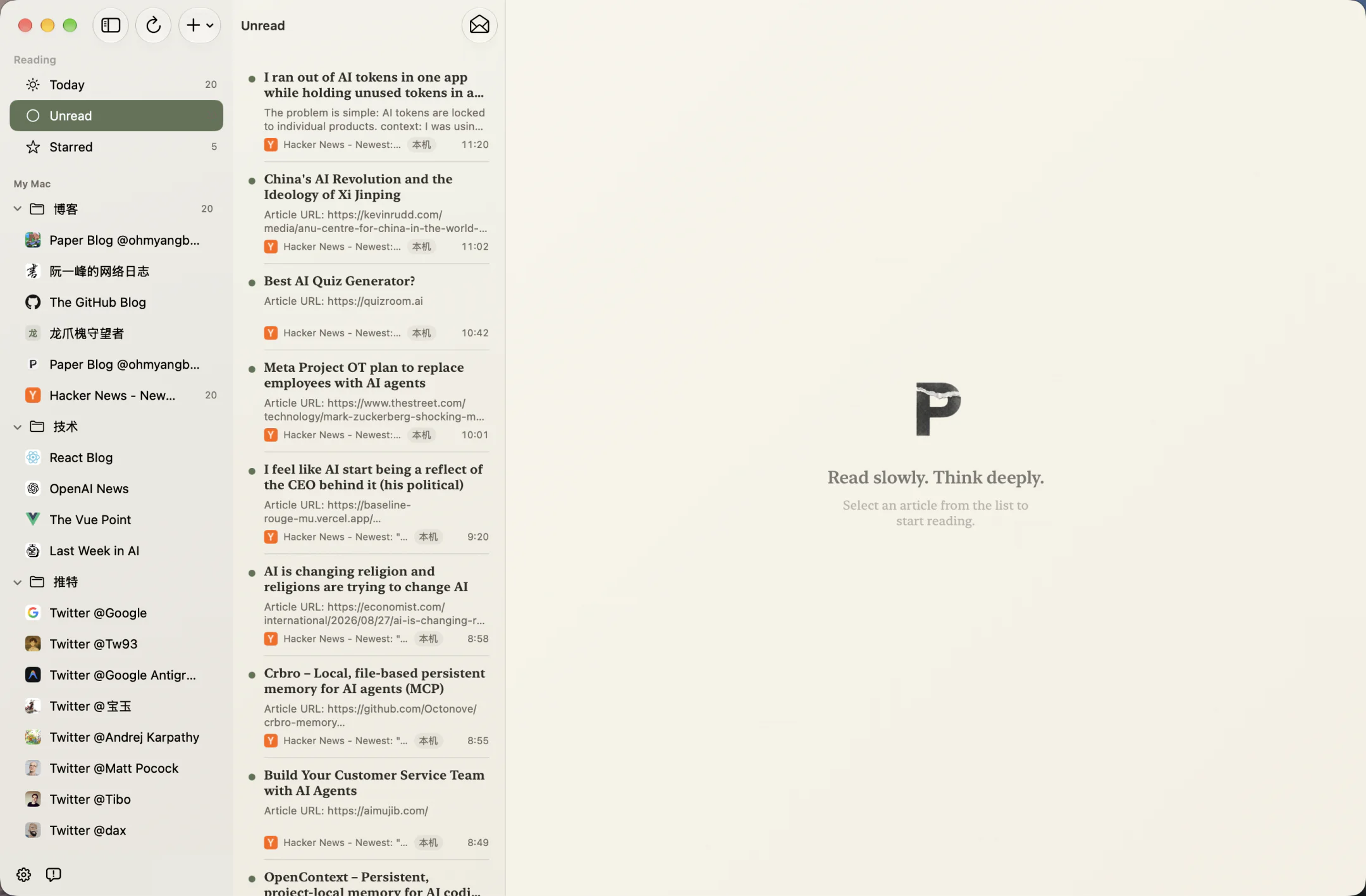
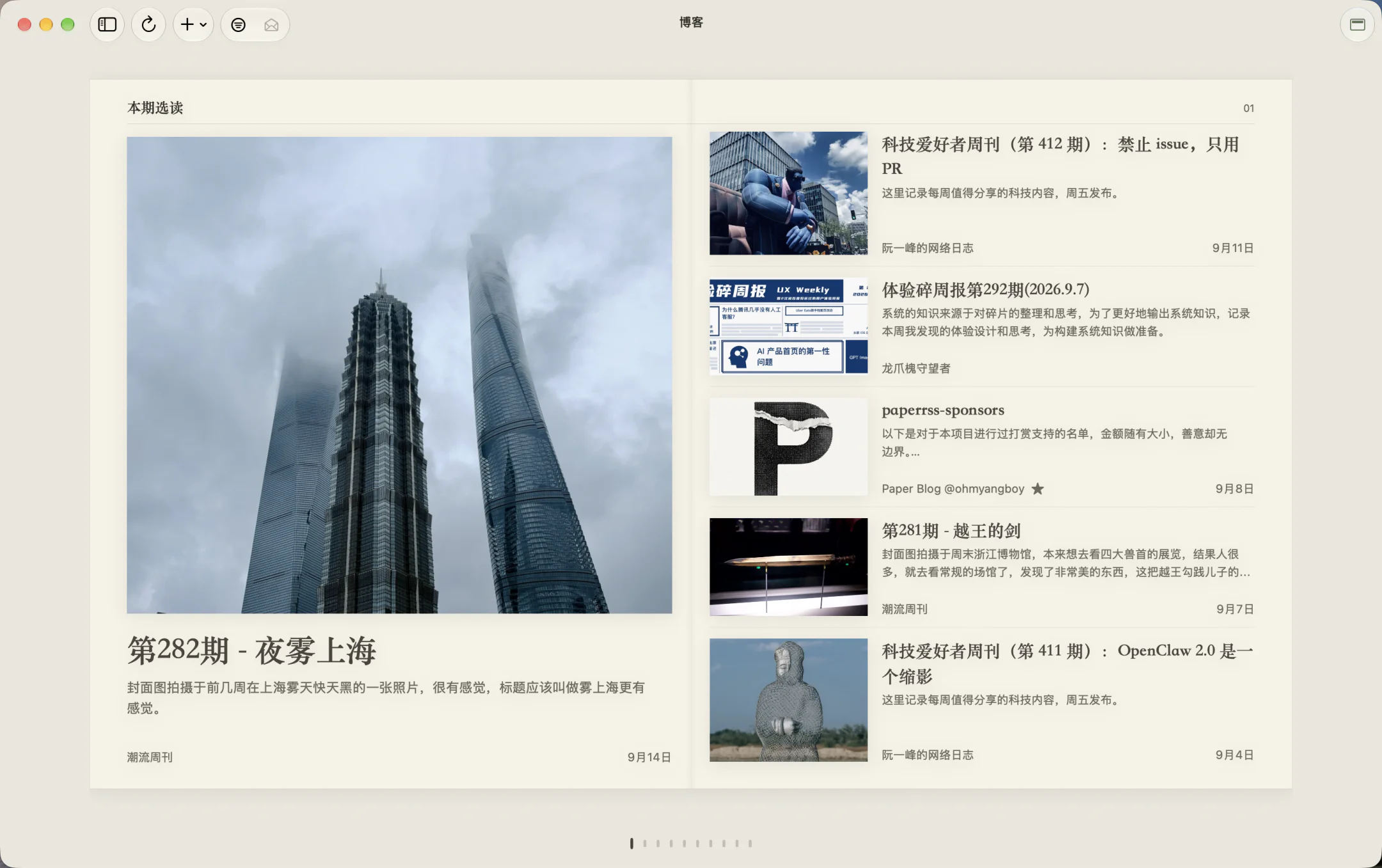
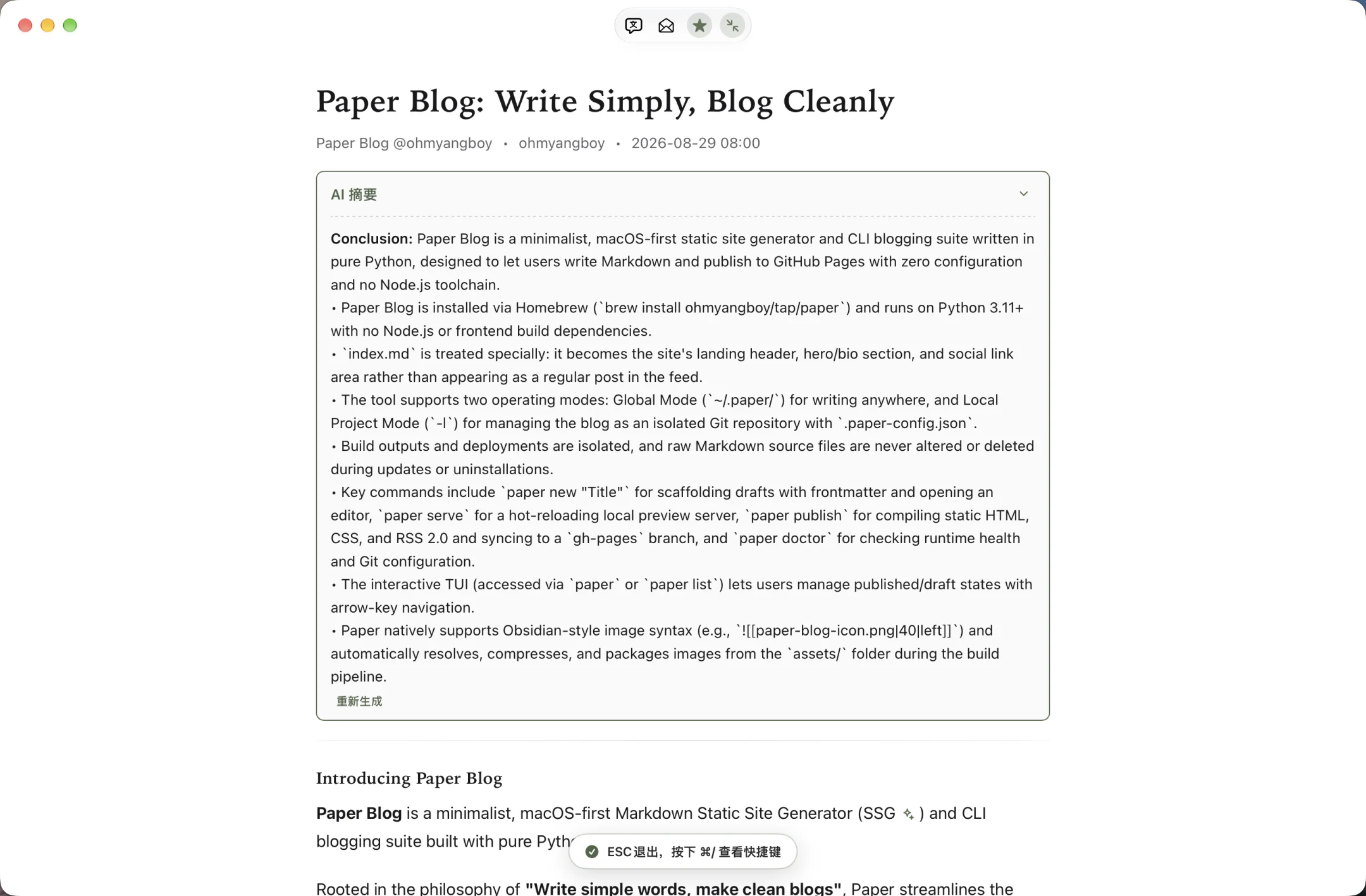
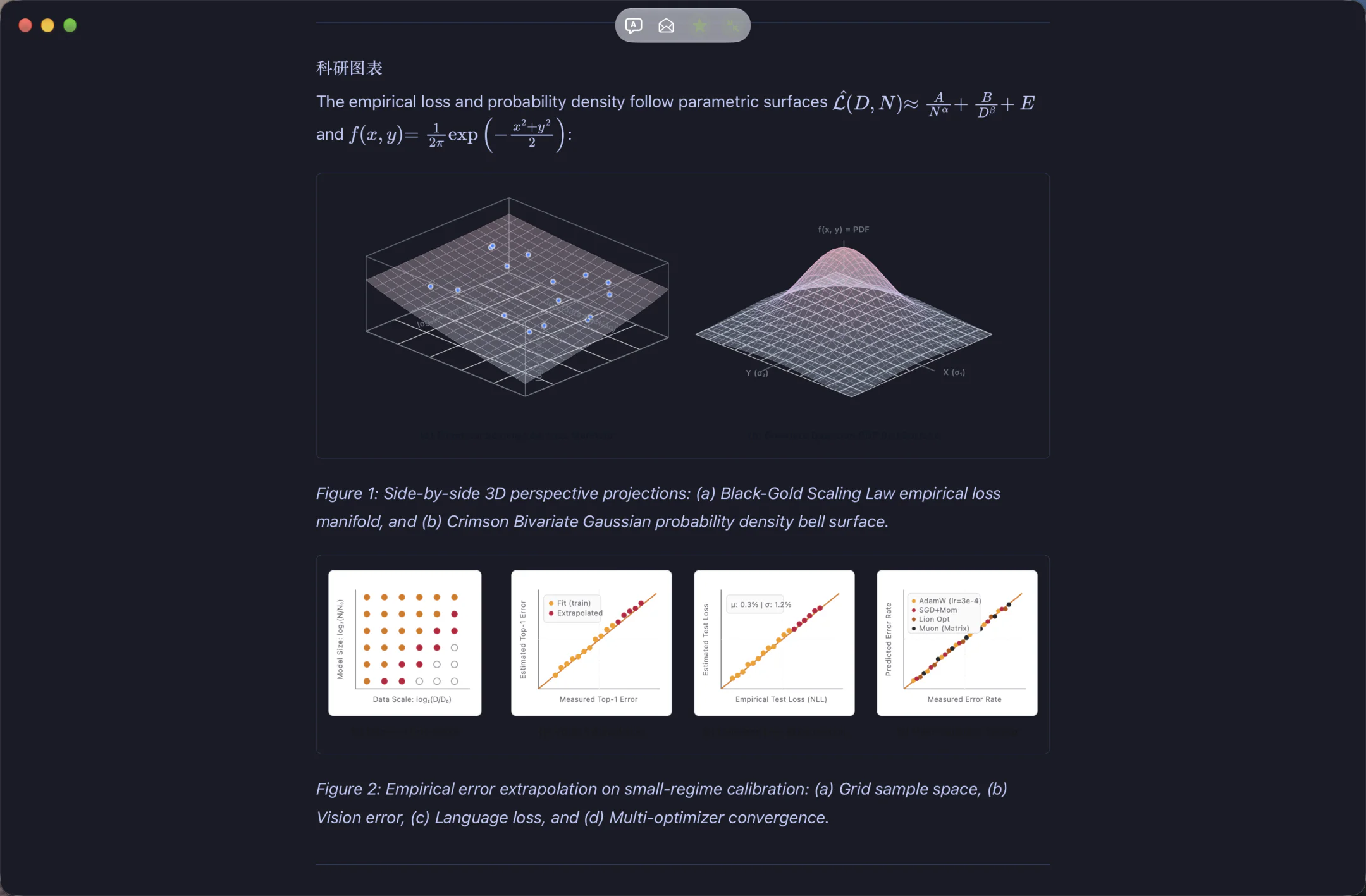
EDITORIAL EXPERIENCE
A reading ritual built for beauty and focus
Dual-script type & on-demand translation
Set separate Chinese and Latin fonts for bodies, headings and translations; timeline titles translate on demand, with a brief original-title reveal from the left-side hot zone.
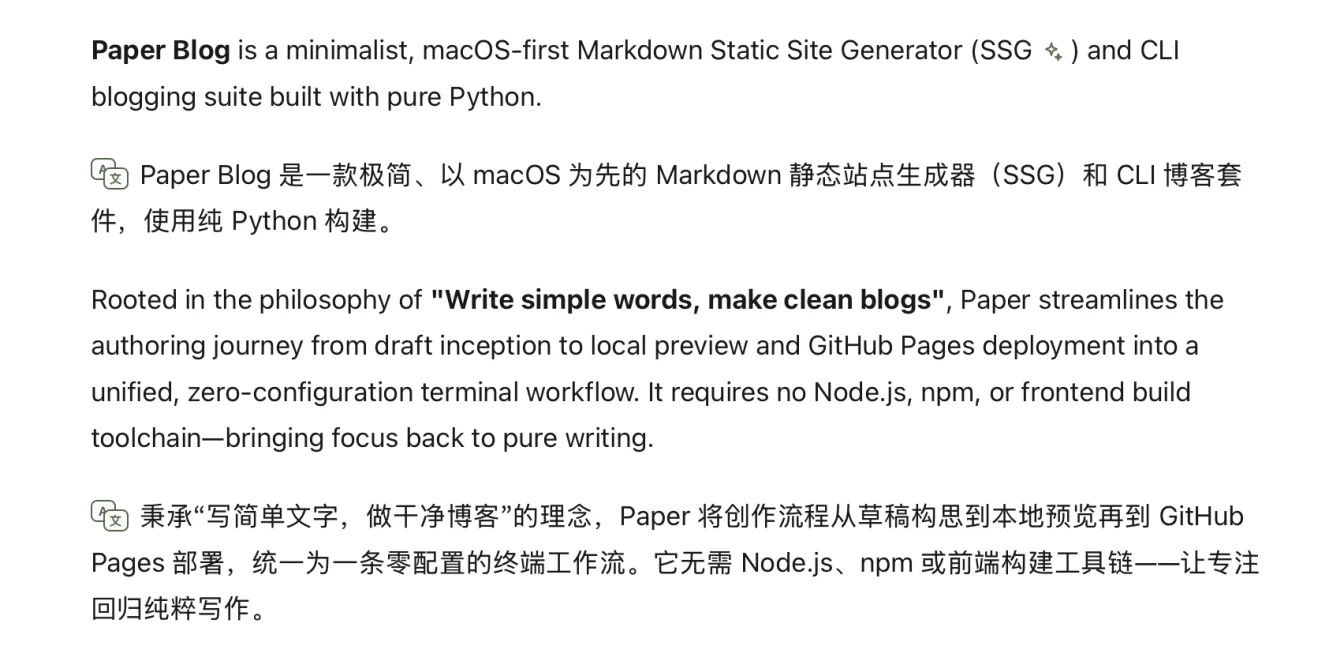
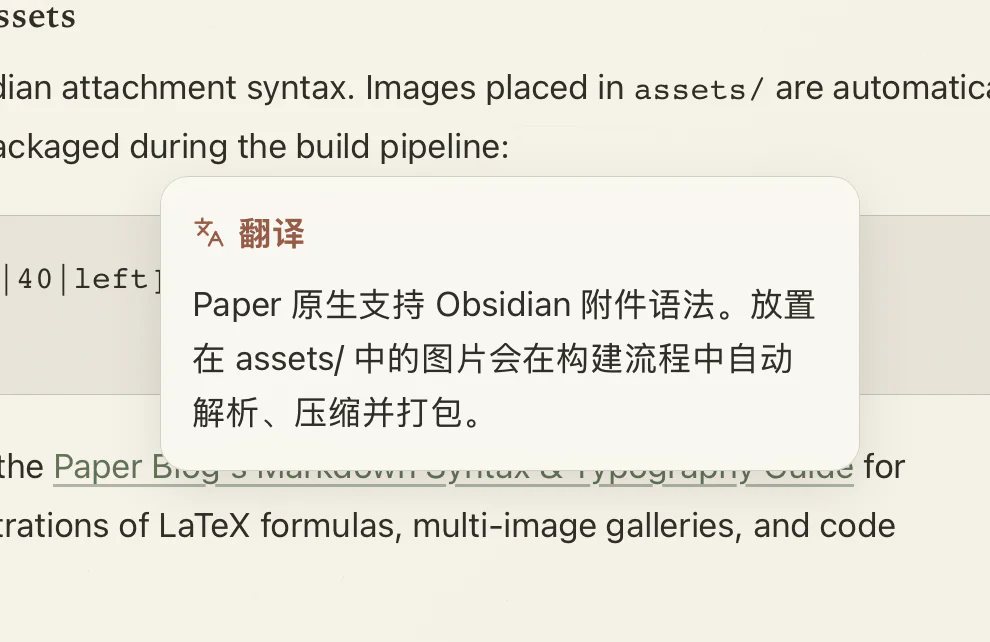
Translate in place
Get a contextual translation for the selected passage without leaving the reader.
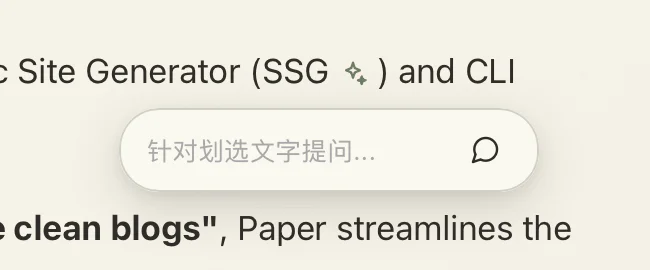
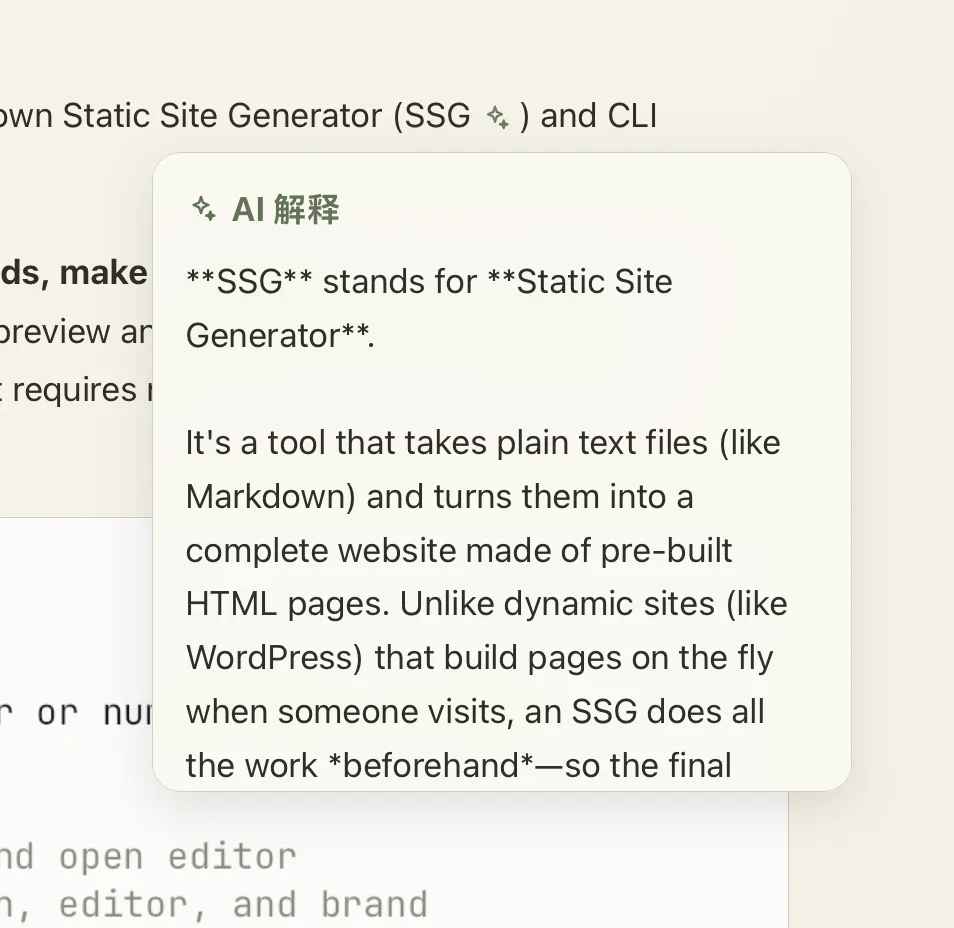
Explain & ask
Select a passage to ask a focused question or get unfamiliar terms, ideas, and context explained by AI.
Feedback & Support
PaperRss is independently developed and open source. We welcome your feedback on GitHub, and you can also support continued development via PayPal.